How to Use Webscope
×Step 1: Connect Your USB Microscope
Connect your USB microscope to your computer. Allow browser access to the camera when prompted.
Step 2: Select Video Source
Choose your microscope from the "Video Source" dropdown in the right panel. Use the refresh button if your device doesn't appear.
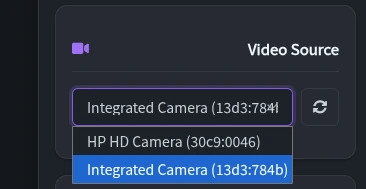
Screenshot placeholder
Step 3: Calibrate Scale
Toggle the ruler/wrench switch to measurement mode. Place a ruler under the microscope and draw a line matching a known distance. Enter the distance in mm and press Enter.
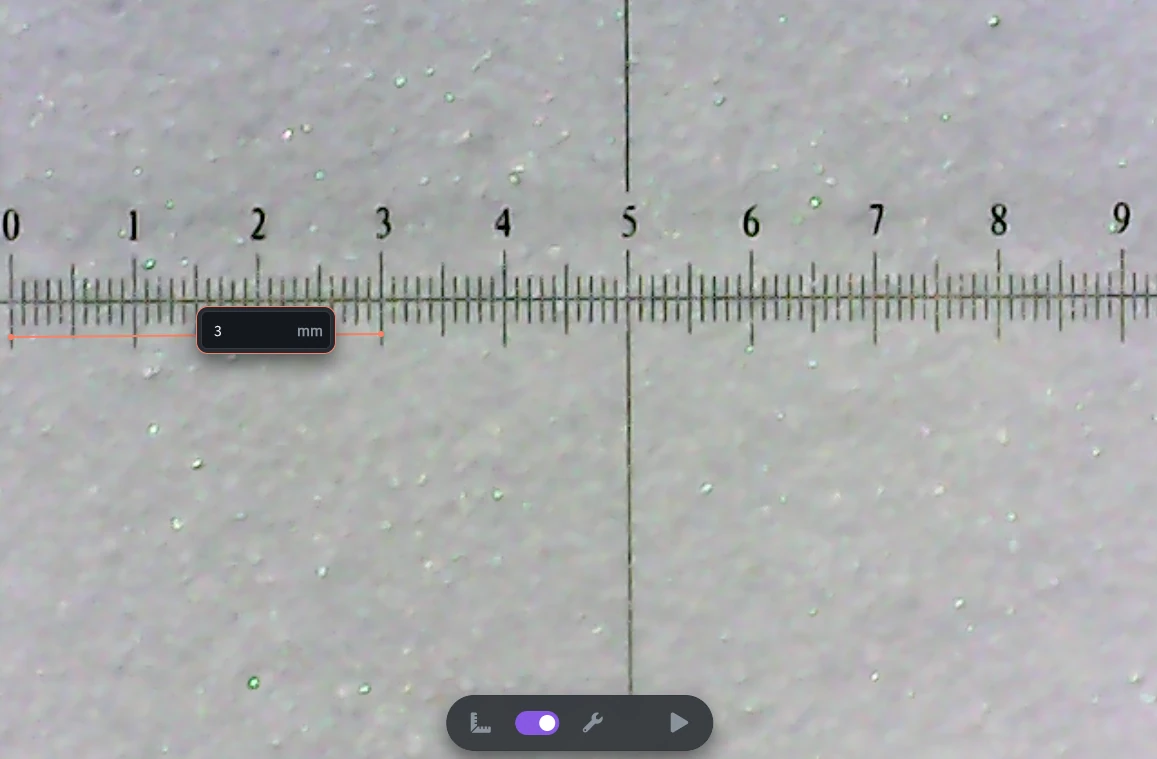
Screenshot placeholder
Step 4: Measure Objects
Toggle back to settings mode. Now draw lines between any two points to measure distances in mm.
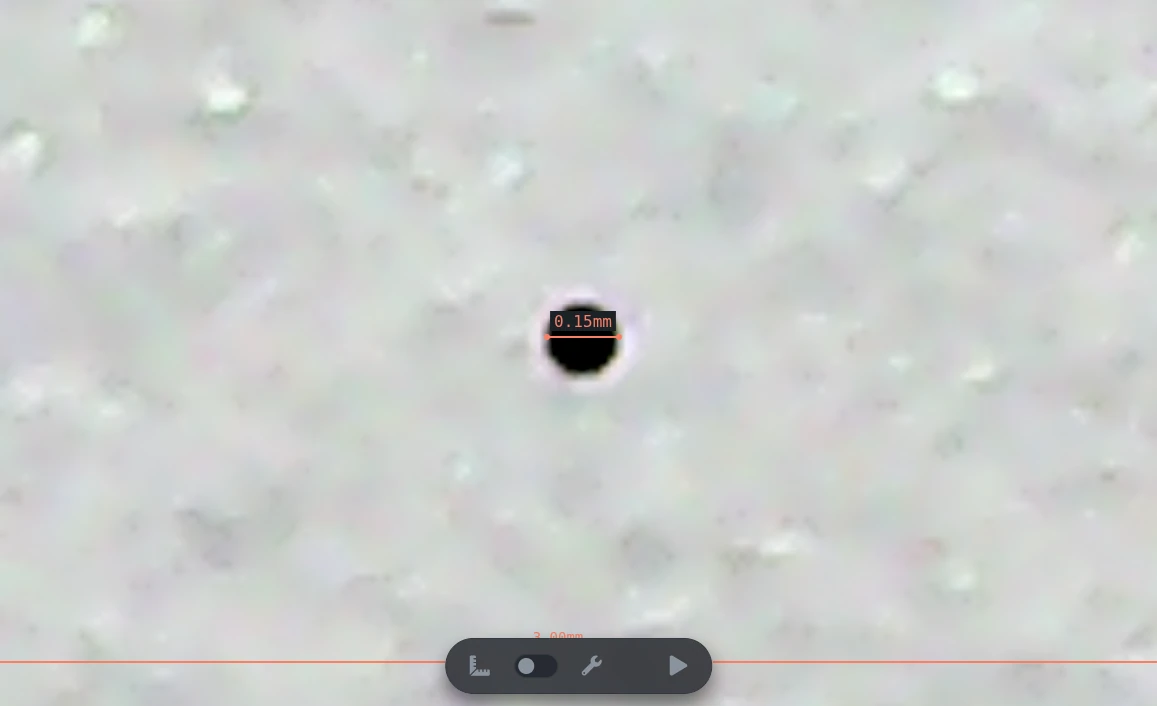
Screenshot placeholder
Tips & Features
- Use the zoom slider to magnify specific areas
- Adjust brightness and contrast for better visibility
- Flip video horizontally or vertically if needed
- Use spacebar to pause/play video